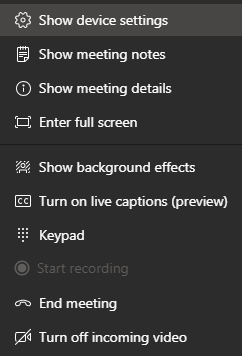
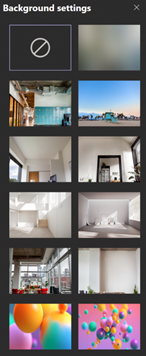
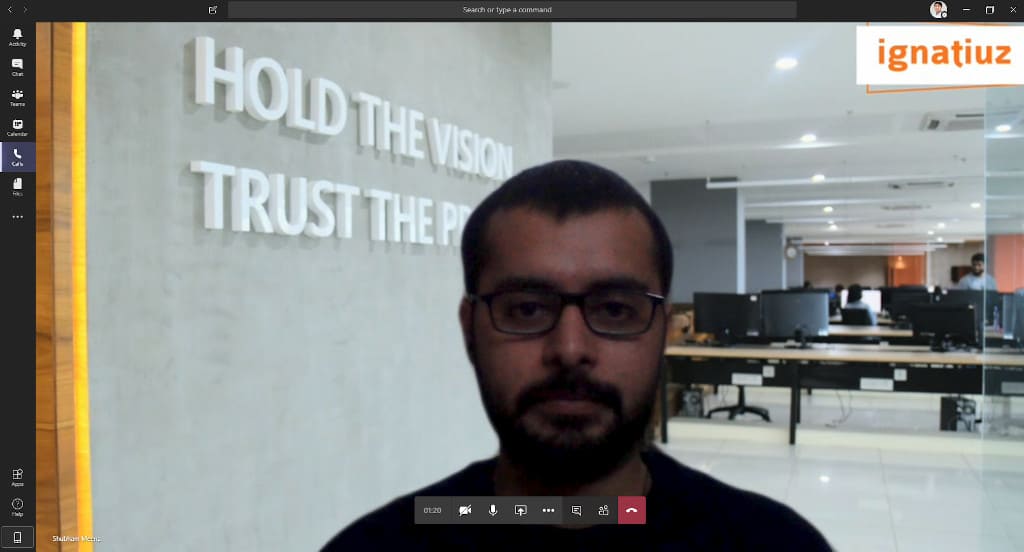
You can select from a set of images:
- None (blank).
- Blur (same effect as background blurring)
- One of the sets of curated images chosen by Microsoft (Pre-Selected).
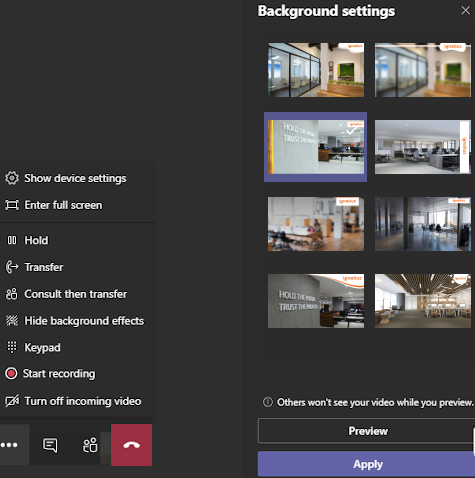
- Custom images uploaded by you (see below).
If you just want to blur your background, then click on Blur. This will only blur your background, and leave you looking clear or
If you want to change your entire background, click on one of the images pre-selected by the Teams and use that for background.
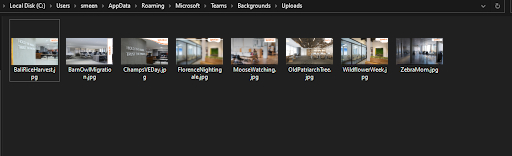
To implement your own custom background, navigate through the file system by using the following path on Windows: %APPDATA%\Microsoft\Teams\Backgrounds\Uploads – you can just copy and paste.