In this blog, we are going to learn how to clean-up the dormant contacts in CRM and how to generate customer insights on the basis of segmentation.
Say goodbye to lost causes
By dormant contact, I mean those individual’s data who have left the company and hadn’t responded to various steps to retain them. For example, sending connecting emails and feedback requests. In such cases it is advisable to remove their data from your records.
Prospective Customer
By utilizing the ranking feature of CRM, you can focus on your potential customers which in the long run will help to achieve bigger business objectives. For instance, the following can be categories of ranking:
- Most likely to give a positive word of mouth
- Most likely to convert into a customer
- Most likely to repeat purchase
The process to achieve this
- Synchronizing a contact list.
- Scheduling the follow-up.
- Classification of the customer segment.
- Segment-wise report generation providing insight of customer purchase prediction.
- Extract out negative contacts and remove them from CRM.
Implementation in Dynamics 365
- Get customer service for your environment
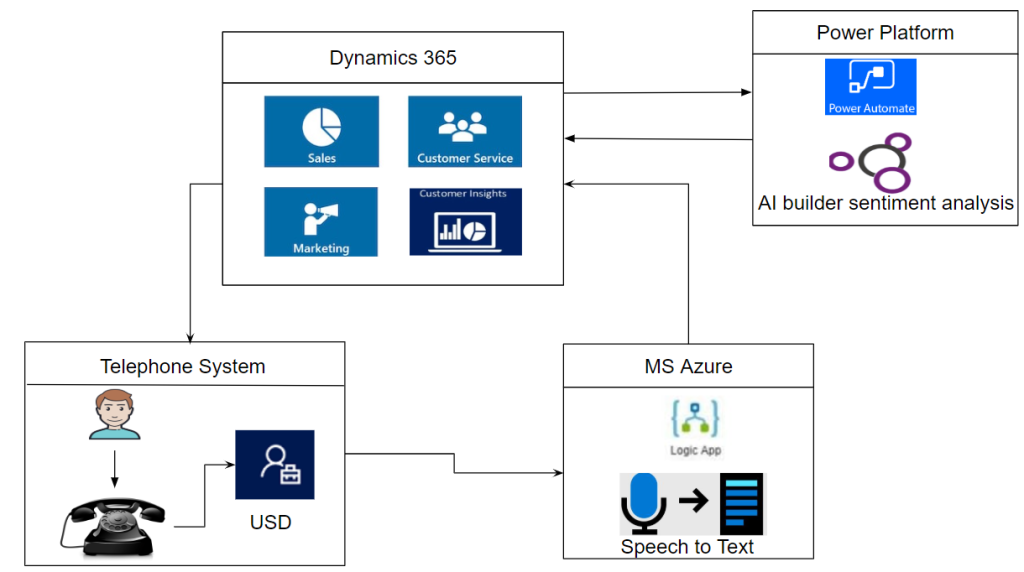
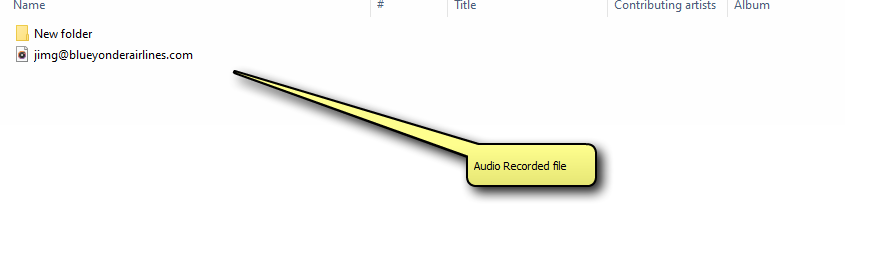
- Now, integrate any tool to get your phone call /email detail in CRM
- Configurecustomer service analytics reports in Customer Service Hub
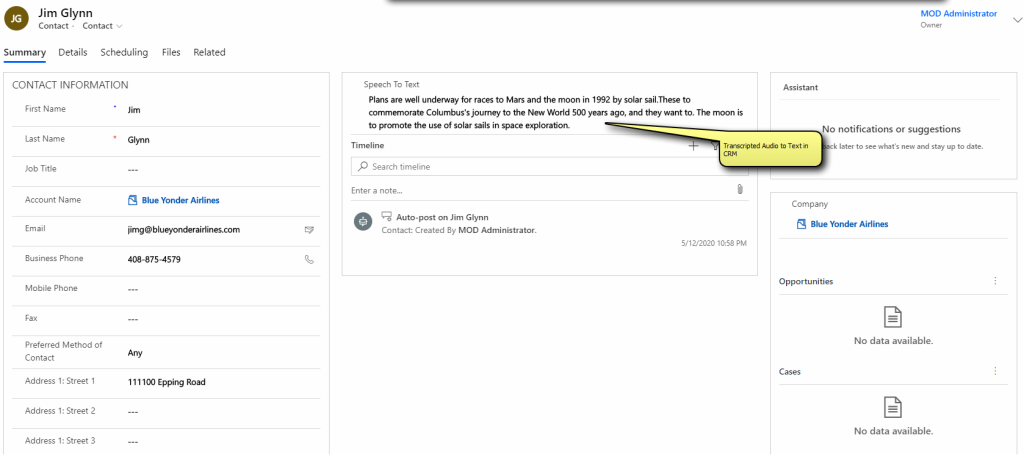
- Decrypt recording of the customer as text in your CRM note
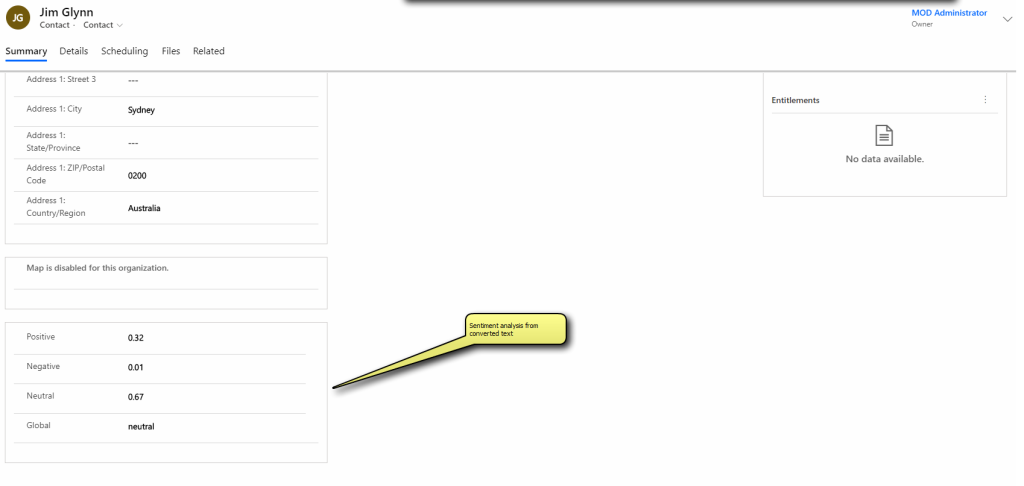
- Get AI customer insight and implement it to Dynamics 365.
- Extract data with the help of CDS from customer service to insight.
- Generate reports using segmentation of text and emotions.